
How Rep works for tradespeople
Rep is free, and there is nothing to buy. No paid listings, no promoted slots, no subscription to appear higher. What you have is what the households around your customers have said about you.
Claim your business
Search for your business and claim it. If somebody has already recommended you, it is waiting for you with those recommendations attached — that is usually how tradespeople find Rep in the first place.
Claiming gets you your page, your Rep record, requests for work, and the ability to ask a customer to vouch for you.
Your Rep
One number: households who would use you again. Not an average, not a score out of five, and never netted off against anything. Beside it sits what those households add up to — how many streets, how many verified jobs, how many repeat customers.
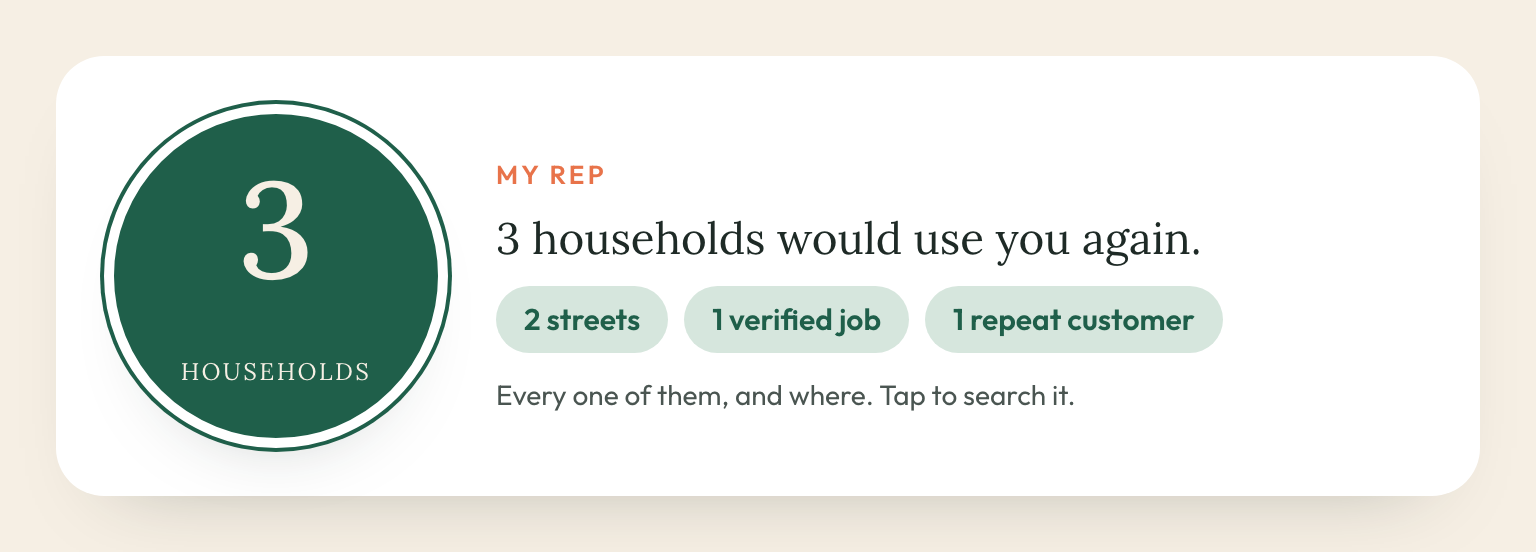
A household counts once however many people live there and however many jobs you have done for them. A repeat customer is marked as one rather than counted twice.
Getting vouched for
- Send your vouch link to somebody you have done work for. They confirm the job at their own address, which makes it a verified job — the strongest thing on your record, because Rep knows the work happened at a real house on a real street.
- Print your QR card and leave it behind. Same thing, on paper.
- Or somebody recommends you unprompted, which is the ordinary way it happens.
How you are ordered in a search
This is the part nobody else will tell you, so here it is in full.
The street comes first, always. When a household searches, anyone recommended by their own street ranks above anyone who is not — regardless of numbers. Two households on their street beat forty-five in the wider area. There is no way to buy past that and no way for us to move you past it.
Among businesses the street ranks equally, we use a rating. It is never shown to anyone, including you: it decides order, nothing else. It works like this.
- A clean record is a perfect one. No complaints means the top mark. Ten happy households and nothing against you is not 97% of anything — it is a clean record, and it is scored as one.
- Only a complaint moves it. Nothing else does.
- Volume protects you. One thumbs down among ten households barely registers; the same one against a thin record bites harder, because there is less evidence either way.
- It fades. Everything counts fully for a year, then halves every year after. A bad job in 2024 that you have put right stops following you around.
- Frequency is what tells. Three complaints in six months is a pattern and shows as one. The same three spread over five years have almost entirely faded.
- Verified jobs count for more than a recommendation nobody confirmed — and so does a verified complaint. Evidence cuts both ways.
- Below three households it does nothing at all, because there is not enough said about you to order by.
So: one bad week does not ruin you, and a good reputation is not something you can buy or that we can sell.
A thumbs down
You are told that you have one. You are not told which household, on which street, or on what date — a street and a date would identify the customer to somebody who knows exactly which job it was.
You cannot remove it and neither can we. Only the household that gave it can change it. If they ticked “neighbours can ask me why”, their neighbours can ask them — that conversation is between them.
Requests for work
When somebody near your customers needs your trade, it appears in Requests for work: what they need, in their words, and how close they are to a street that has vouched for you. Say you will be in touch and they get your number.
You can widen the net by listing the postcode districts you cover, so requests reach you from places nobody has vouched for you yet.
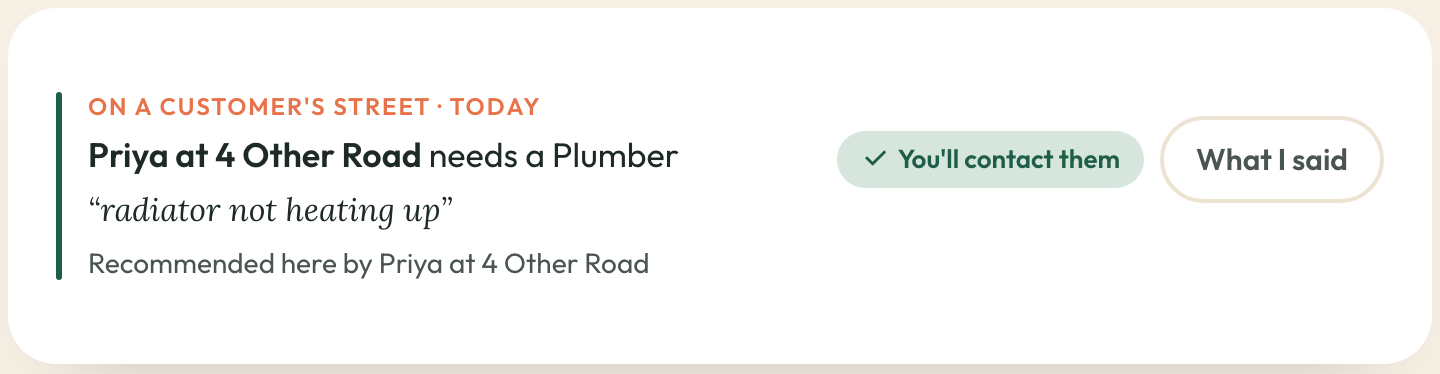
Say where you are working
Put up a trading sign for a job and the street it is on — and the houses immediately around it — see that you are there this week, with a button to ask you to pop round. It is the sign-written van, except the street can act on it.
The household whose job it is agrees before it goes up, and agrees again if you extend it past the dates they agreed to. Finishing early, changing the wording or taking it down is entirely your call.

Put it on your phone
Rep works like an app once it is on your home screen: one tap to requests for work, your Rep and your vouch link, with no browser bar.
- iPhone: open rep.nule.ai in Safari, tap Share, then Add to Home Screen. It has to be Safari — iPhone only lets Safari do this. If you are in Chrome, Rep offers you a button to hand the page over.
- Android: tap Add to phone in Settings, or take the prompt your browser offers.
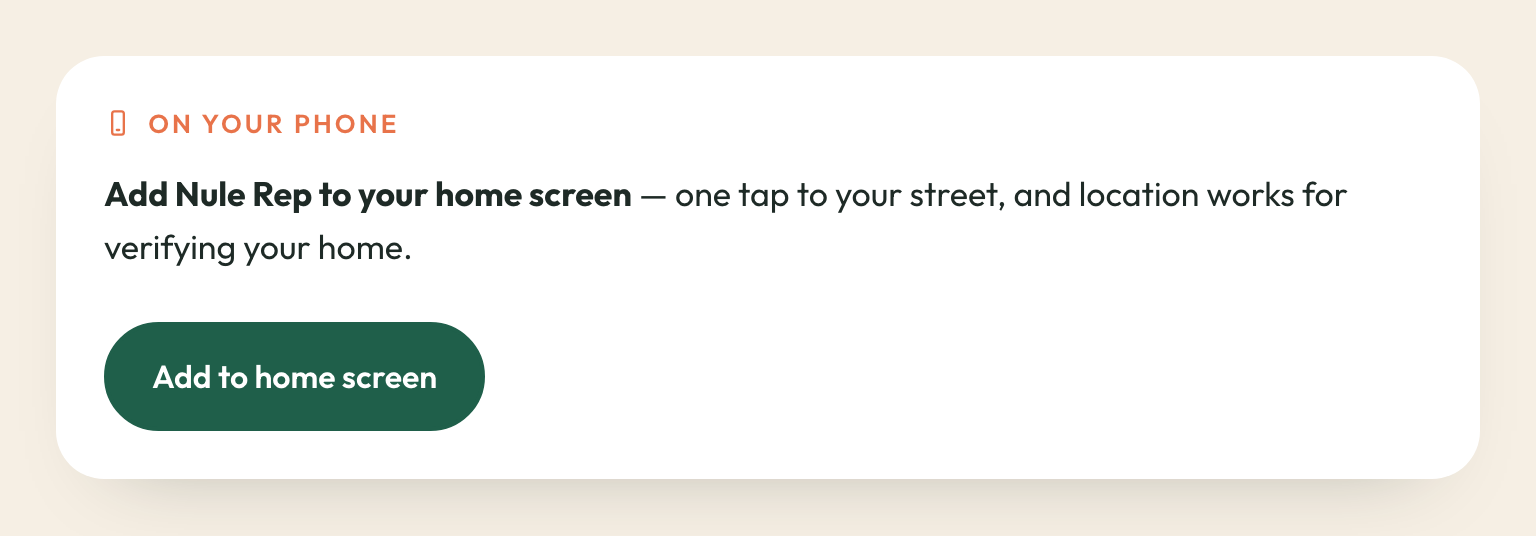
One thing worth knowing on iPhone: a home-screen app keeps its own separate sign-in from Safari. So a sign-in link from your email opens in Safari rather than in the app. Use the six-digit code on the same email instead — type that into the app and you are in, and it stays signed in for a year.
What we never do
- Sell position. There is no promoted slot and no way to pay for one.
- Remove a genuine recommendation or complaint because it is unfavourable. Not for you, and not for anyone.
- Show you a customer's address. You see the street somebody vouched from, never a house.
- Charge you. Rep is free for tradespeople.