
How Rep works for households
Rep is the plumber your street would call. Not reviews from strangers, not a directory that sells the top slot — just the tradespeople the houses around you have actually used and would use again.
Claim your house
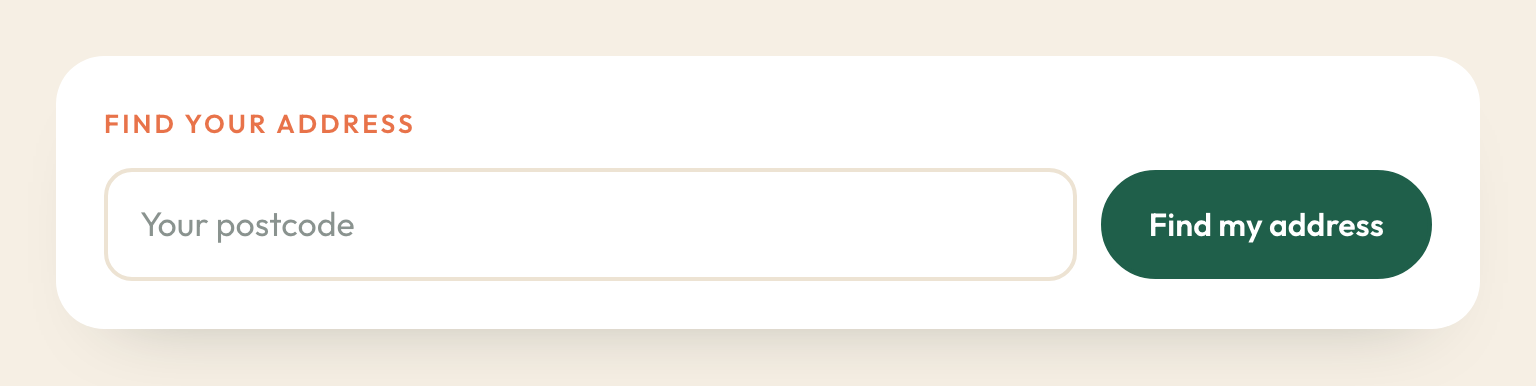
Start with your postcode and pick your address. That is all it takes to look around; you create an account at the end, with a first name and an email. No password — we send you a link.
Your address is never shown to anyone. What your street sees is your house number, and only your street sees that. Tradespeople and anyone holding a link see “a household on your street”.
Verify once, from your doorstep
Before what you say counts, we check you are actually there: open Rep at home and tap Verify I'm here. Your phone gives us one location reading, we work out whether it is close enough, and then we throw the reading away. We never store it and we never track you afterwards.
You can claim your house from anywhere and verify later, when you are next home.
Put it on your phone
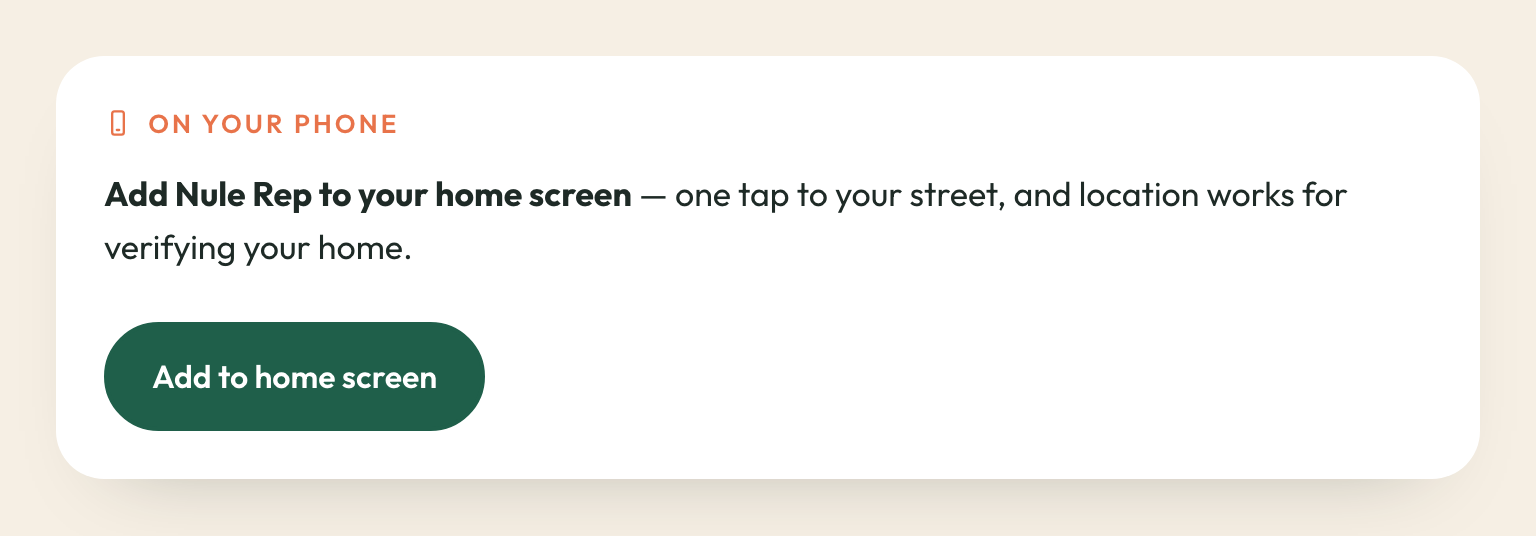
Rep works like an app once it is on your home screen: one tap, no browser bar, and it remembers you.
- iPhone: open rep.nule.ai in Safari, tap Share, then Add to Home Screen. It has to be Safari — iPhone only lets Safari do this. If you are in Chrome, Rep offers you a button to hand the page over.
- Android: tap Add to phone in Settings, or take the prompt your browser offers.
One thing worth knowing on iPhone: a home-screen app keeps its own separate sign-in from Safari. So a sign-in link from your email opens in Safari rather than in the app. Use the six-digit code on the same email instead — type that into the app and you are in, and it stays signed in for a year.
Recommend someone you would use again
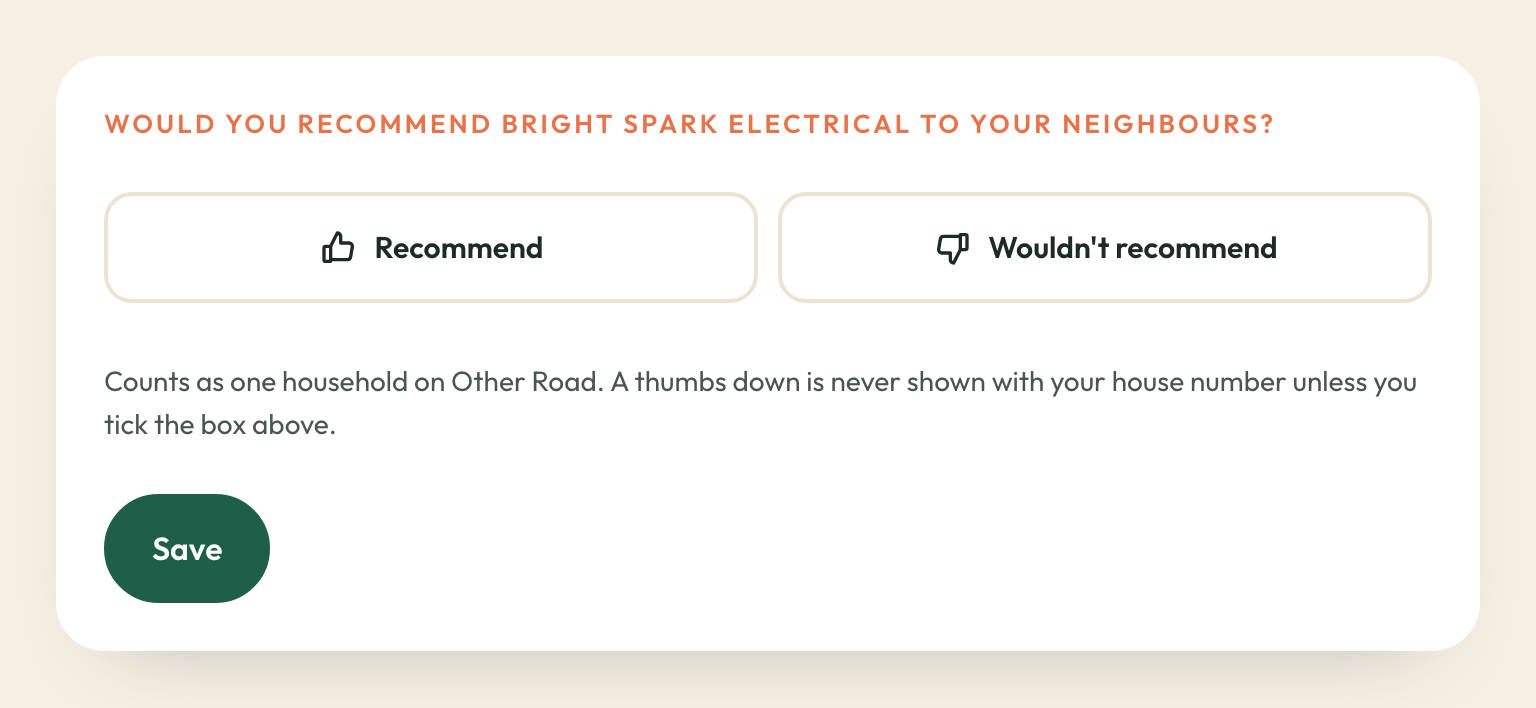
A thumbs up, and nothing else. No star ratings, no written reviews to wade through, no scoring out of ten. Either you would have them back or you would not.
- One vote per household. Two people at one address count once — it is the house that recommends, not each person in it.
- A thumbs down is allowed, and it is never shown with your house number unless you tick the box that says neighbours can ask you why.
- You can change your mind. Withdraw a recommendation at any time from My recommendations. Nobody else can change what your house said — not us, and not the tradesperson.
Ask your street
Need somebody and nobody has been recommended yet? Post an ask. You get a message to drop in the street WhatsApp group, and every tradesperson your street has already vouched for hears about it too.
Answers land on the ask and in your inbox. When one says they will be in touch, their number comes with it.
What your street sees, and what it does not
- Your house number, to your street. “Recommended by Nos. 6, 12 and 44” — and only to households who have claimed a house on that street.
- Your street, to everyone else. Tradespeople and anyone with a link see “a household on Queens Drive”. Never a number, never a name.
- Nothing at all, without a house. Somebody with no claimed address sees the invitation and no household.
- Never your address or your coordinates. Those never leave Rep, and no map or search uses them.
Would you rather your street saw no number either? Turn off Show my house number to my street in Settings and everything you say reads as “a household on your street”.
Everyone at your address shares one record
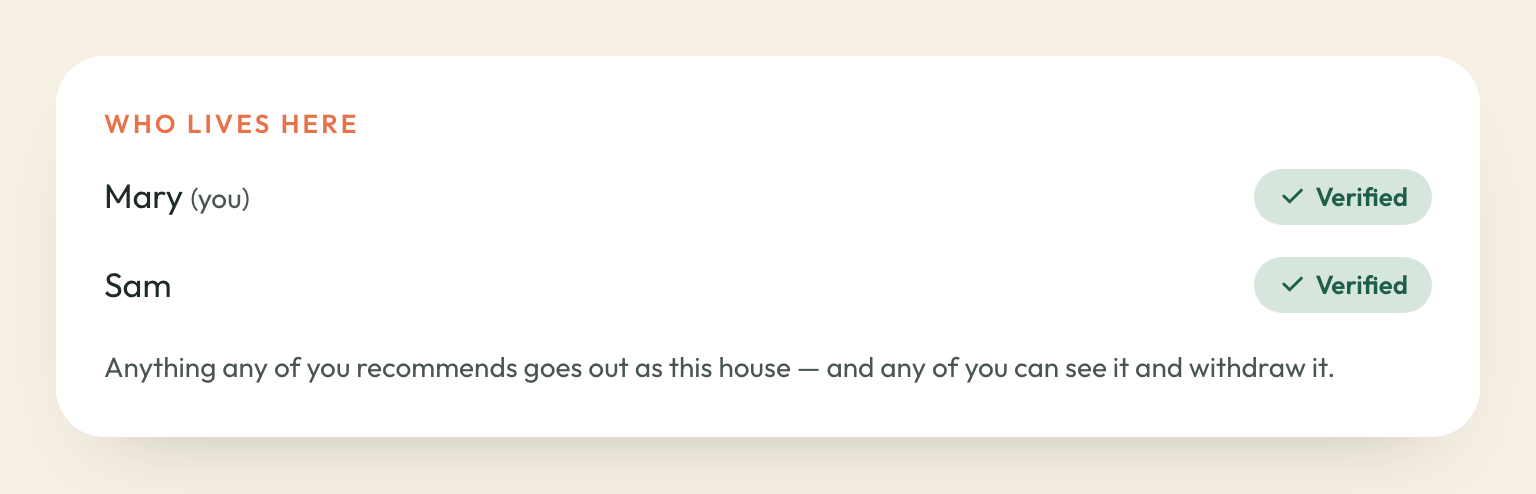
A household is the address. Whoever else lives with you sees who is in it, sees what any of you has recommended, and can withdraw it — because it went out under this house, not under one person's name.
If somebody claims your address after you have verified, you are asked first. Until you say yes they can do nothing and see nothing.
Moving house
Claim the new address in Settings. What you recommended stays with the street you recommended it from — that is the point of it. Your new street starts fresh.
Leaving
Settings has Download my data and Delete my account, and both work immediately. Deleting removes your name, your contact details, your sign-in history and your verification results. Recommendations you made stay on the street's record with nothing on them that identifies you — they were told to the street, and the street keeps them. If you want one gone as well, withdraw it before you delete your account.